
Trusted by enterprise firms running high-volume fleets
Turner Construction, Messer Construction, Mortenson, Swinerton, Black and Veatch, and Balfour Beatty Equipment run their equipment operations on RentalResult.






PRODUCT WALKTHROUGH
See RentalResult in Action
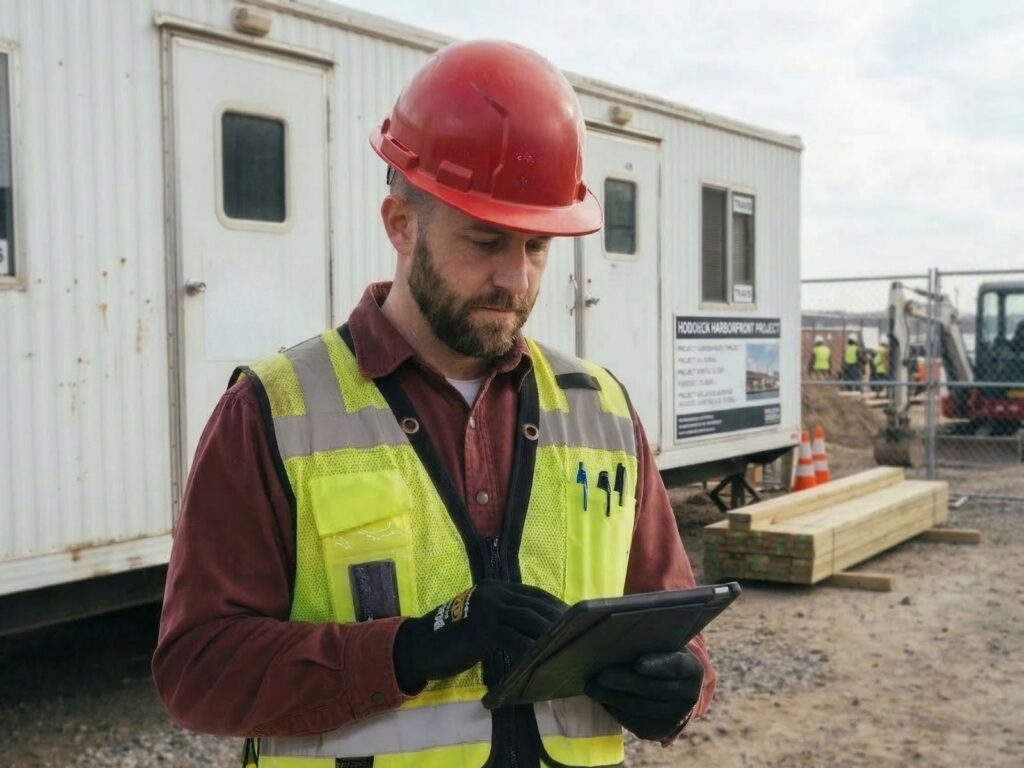
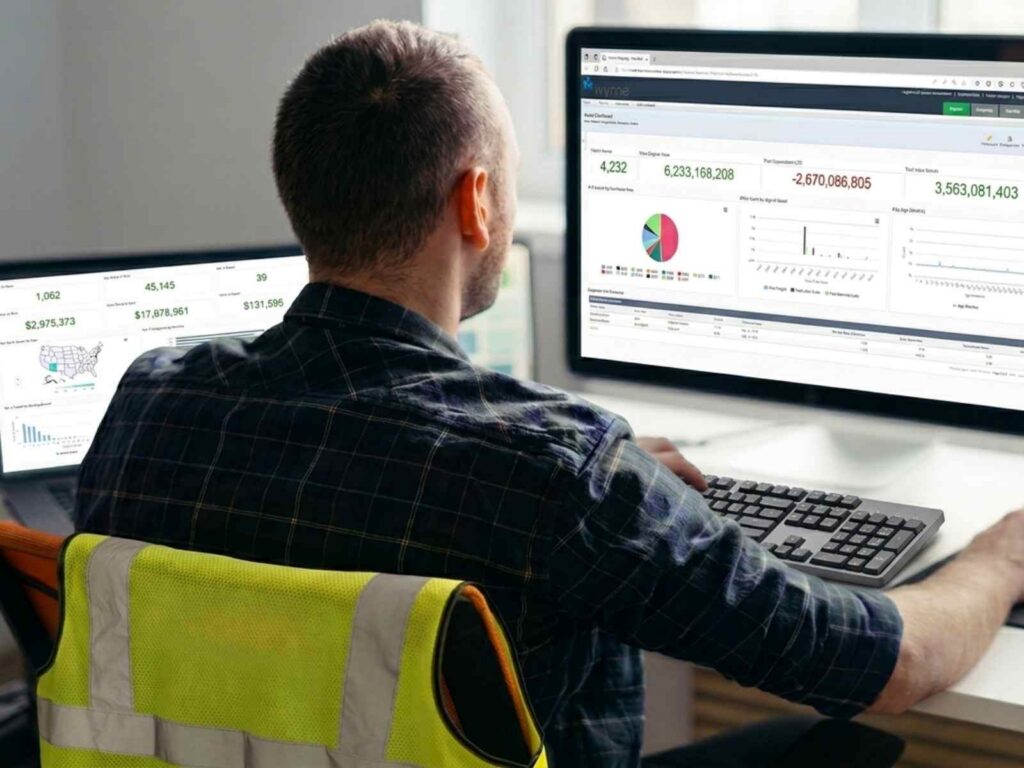
A ten-minute walkthrough of how enterprise contractors run equipment on RentalResult: a jobsite request raised in the field, cleared through approval, dispatched from the yard, and costed back to the job and the finance system, all on one asset record.
Then see it on your own fleet, workflows, and integrations.
What Construction Equipment Management Software Does for Enterprise Fleets
| Capability | What RentalResult does | Outcome |
|---|---|---|
| Request and approval | Field crews raise requests from the job, and approvers work them from one queue instead of a buried email thread | No more phone tag over who asked for what |
| Availability | You can see what is on hand across every yard and jobsite, down to the individual unit | Dispatch commits equipment it knows is actually free |
| Cost control | Rental, owned, and re-rent charges land against the right job and cost code as they happen | Overruns surface while there is still time to act |
| Utilization | Hour meters and status roll up into a utilization number you can trust | Idle assets in one region get pulled to where the work is |
| Accountability | Every unit carries its job, cost code, and responsible owner | When something goes missing, the trail is already there |
Keep Every Unit Visible and in Service
Two questions decide whether a fleet earns its keep: where is the unit, and is it ready to work. RentalResult answers both from the same asset record.
Visibility Across Yards and Jobsites
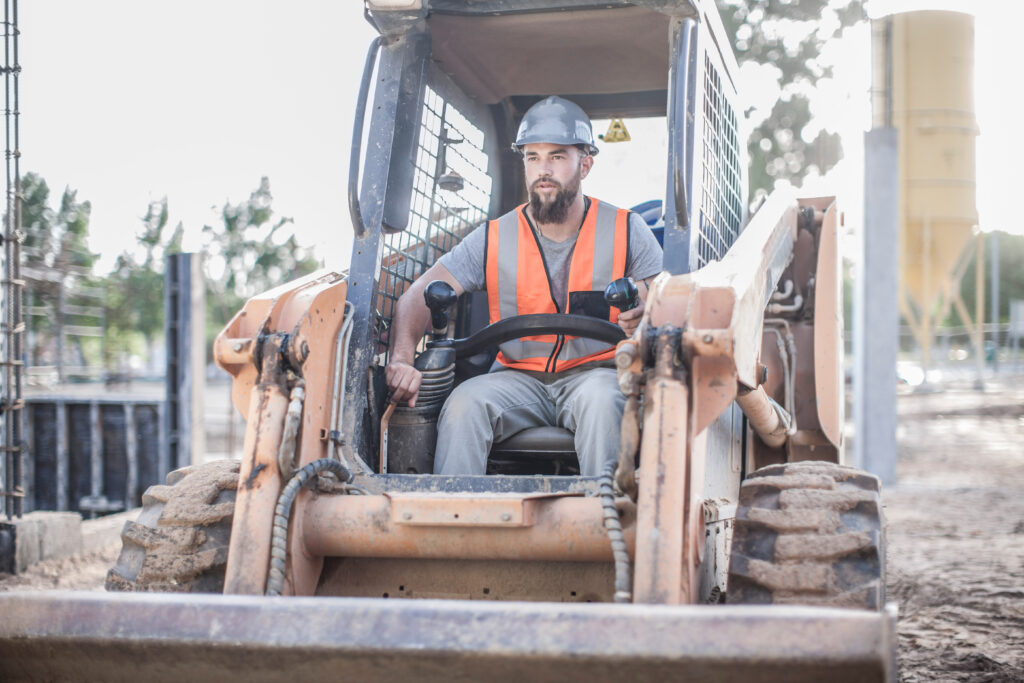
Every unit on RentalResult carries a location, a status, a job and cost code, and a responsible owner on one asset record, so the field, the yard, and the office read the same answer to where a unit is and whether it is free to move. Availability is committed availability: once dispatch assigns a unit to a job, it leaves the pool for every other requester.
Location and status are one part of the picture. For how serialized assets, bulk items, and telematics feeds are tracked across an enterprise fleet, see construction equipment tracking software.
Maintenance and Downtime
Utilization and maintenance are the same number seen from two sides. A unit in the shop is not earning, and a unit that skipped its service is on its way there.
RentalResult schedules servicing from service descriptions: rules that trigger each service by service units, such as hours or mileage, or by date. Those rules raise service actions and workshop orders against the asset, show what is coming in the service schedule, and record parts, labor, and service units on the workshop order. Because the workshop record and the rental record share one asset, dispatch sees a unit is due before committing it to a job, and servicing costs post to the equipment instead of disappearing into a project.
The workshop manager, the dispatcher, and the project accountant read the same record: what is due, what is in the shop, what it cost, and what that did to the rate the unit needs to earn.
See how equipment maintenance management software keeps enterprise fleets in service.

How to Evaluate Construction Equipment Management Software
Enterprise contractors usually choose between three approaches, and each one fails in a different place.
APPROACH 1
Point tracking tools
Track tools and small assets. They deploy quickly and answer where something is.
Where it fails: They do not price an internal rental, recover cost against a job, or tell you what a machine earned this quarter.
APPROACH 2
Equipment module in a construction ERP
Keep the financial record in one place, built around the general ledger.
Where it fails: Requests, dispatch, transfers, and utilization usually stay in spreadsheets alongside it.
APPROACH 3
Purpose-built equipment platform
Run the operation and the financial record together: requests, availability, dispatch, re-rents, servicing, billing, and reporting in one system.
What it gives you: Utilization and cost recovery become numbers you can trust, because they come from the same record.
What each approach actually covers
| Capability | Point tracking tools | Equipment module in a construction ERP | Purpose-built equipment platform |
|---|---|---|---|
| Asset location and status | ✓ Yes | ◔ Partial | ✓ Yes |
| Serialized assets and bulk items in one record | ◔ Partial | ◔ Partial | ✓ Yes |
| Internal rental pricing and cost recovery | — No | ◔ Partial | ✓ Yes |
| Third-party re-rents in the same workflow | — No | — No | ✓ Yes |
| Utilization from meter and status data | — No | — No | ✓ Yes |
| Dispatch and transfers between yards | — No | ◔ Partial | ✓ Yes |
| Scheduled servicing and workshop orders | ◔ Partial | ◔ Partial | ✓ Yes |
| Writes back to the finance system of record | — No | ✓ Native | ✓ By integration |
Six questions to ask before you shortlist
1
Can the system price an internal rental and recover that cost against the right job and cost code without a manual journal?
2
Does availability reflect committed equipment, not just owned equipment?
3
Can it handle re-rents from third parties in the same workflow as owned assets?
4
Does utilization come from meter and status data, or from someone updating a spreadsheet?
5
Will it write back to the finance system you already run, or does it expect to replace it?
6
What happens when a unit moves between regions, branches, or business units mid-job?
For named comparisons, see how RentalResult compares to other platforms. For the questions to ask about request intake and approvals, see how contractors move from warehouse-led to dispatcher-led operations.
Integrations That Work With Your Tech Stack
RentalResult connects with the finance, project controls, and field systems enterprise contractors already run, so equipment costs land in the systems of record without re-keying.

Oracle
Finance ERP. General ledger, billing, and project costs flow both ways.

SAP
Enterprise master data and financial postings shared with rental operations.

CMiC
Construction ERP. Jobs, cost codes, and equipment charges stay in sync.

Viewpoint Vista
Construction accounting with rental charges written back to the job.

Salesforce
Accounts and rental activity visible to the sales team.

Vertex
Sales and use tax calculated on every rental invoice.
What Enterprise Equipment Teams Are Reading
FEATURED · STRATEGY
The Equipment Operations Strategy Used by High-Performing Contractors
How the best-run contractors sequence the move to one equipment platform, and what changes once equipment is run as a business rather than a cost center.
EBOOK
The Order-to-Bill Gap in Construction Equipment Management
AI READINESS
Standardize Before You Automate: Why AI Agents Need an Asset Naming Convention
UTILIZATION
Construction Equipment Utilization Is Not Just a Fleet Problem
SYSTEMS
ERP vs Operations: Where Equipment Management Should Live
COST
Why TCO Should Guide Equipment Management Decisions
VISIBILITY
The Operational Visibility Gap in Enterprise Construction
Construction Equipment Management Guides
Go deeper on construction equipment management software, from procurement and ERP integration to job site logistics, utilization and the standards that make AI work.
Procurement and purchasing
- Tariffs Are Reshaping Construction Equipment Strategy
- Equipment Procurement: Why It’s No Longer a Simple Transaction
- How Captive Procurement Became a Growth Strategy
- Deep Dive Purchase Orders in RentalResult
- Simplifying Job Site Purchasing
- Choosing the Right Transactions for Construction
- Construction Equipment Request Form: Five Fields and an Approval
- Warehouse-Led to Dispatcher-Led: Scaling Without Adding Headcount
- From Requisition to Reality: Rethinking Equipment Workflows
ERP and integration
- Why Integrating Equipment Software with ERP Is Critical
- Why Real-Time Integration Is Becoming Non-Negotiable in Construction Tech Stacks
- ERP Integration Challenges: Standardize or Customize Your Fleet?
- Outgrowing SAP ETM? Why ETM.next May Not Fit
- SAP ETM Sunset: Time to Modernize Equipment Management
- The Critical Role of Document Recovery in Construction
Job sites and logistics
- Warehouse vs Job Site: Improve Equipment Control
- Navigating Equipment Management with Job Site Portal
- Streamline Equipment Management with Job Site Portal
- New Job Site Portal: What’s New & What’s Next
- Get Real-Time Equipment Job Site Data
- Self-Service Construction Equipment Rental Operations: The Scalability Move You Are Missing
- Smarter Routing, Real-Time Results
- Smart Routing: Solving Construction Logistics
- 5 TMS Strategies for Equipment Logistics
- Reduce Equipment Idle Time with Smart Logistics
- Selling Tools Back to the Job Site for Accurate Job Costing
- Where Your Equipment Budget Stands, Phase by Phase
Cost, value and utilization
- Mastering Construction Equipment Depreciation
- Optimizing Equipment Management for Greater Value
- Unlock Hidden Profits with Utilization Insights
- Navigating Inflation in Enterprise Construction
- Equipment Lifecycle Management Trends 2026
- Fleet Management Simplified with Item Holding Records
- See Upcoming Equipment Tasks Faster
- Achieve Equipment Visibility for Better Control
- Quick Equipment Insights with Reporter
- Self-Perform Construction: The Metric That Proves Your Equipment Company Is a Business
Strategy, standards and AI
- Data Center & Power Boom: Evolving Fleet Management
- Knowledge Transfer in Construction Companies: Why Your Best Employee May Be Your Biggest Risk
- We Asked a Room Full of Contractors If They Use Agentic AI. Most Said Yes. Most Do Not.
- Standardizing Construction Operations Without Frustrating the Field
- Operational Drift & SOP Variability Drain Profits
- 6 Strategies to Increase Software Adoption
- How Automation Transforms Equipment Management
- Why the Traditional Equipment Model Is No Longer Enough
- The Construction Equipment Audit Trail Is No Longer Just a Finance Tool
- Boost Efficiency with Unified Equipment Management Software
Frequently Asked Questions About Construction Equipment Management Software
Straight answers to the questions enterprise contractors ask when they evaluate this category.
What is construction equipment management software?
Construction equipment management software is a system that runs the full equipment lifecycle for enterprise contractors, connecting requests, availability, dispatch, maintenance, billing, and reporting. It gives teams centralized visibility and control so equipment operates as a managed business unit rather than a set of disconnected assets.
Why do enterprise contractors need construction equipment management software?
Enterprise contractors need construction equipment management software because managing large fleets across multiple jobs, regions, and business units is difficult without a centralized system. The right platform helps standardize processes, improve accountability, reduce idle equipment, and support better decision-making across the organization.
How does construction equipment management software improve equipment utilization?
Construction equipment management software improves equipment utilization by showing where assets are, how often they are used, when they are sitting idle, and where demand exists. This helps contractors move equipment more strategically, avoid unnecessary purchases, and keep assets working across more jobsites.
Can construction equipment management software manage the full equipment lifecycle?
Yes. A strong construction equipment management system supports the full equipment lifecycle, from acquisition and allocation to maintenance, transfer, cost recovery, and retirement. This gives enterprise contractors a clearer view of total equipment performance over time instead of treating equipment as a short-term operational expense.
How does equipment management software help track ownership costs and charge rates?
Equipment management software helps track ownership costs by centralizing key financial data such as charge rates, billing, internal cost recovery, depreciation inputs, and equipment usage. This gives contractors a more accurate picture of true equipment cost and helps them set rates and recovery models with confidence.
How does construction fleet management software support multiple jobsites and branches?
Construction fleet management software supports multi-job and multi-branch operations by giving teams one system for equipment visibility, transfers, approvals, reporting, and accountability. This makes it easier to know which assets are available, where they are assigned, and how they are performing across the enterprise.
What is the best software for tracking construction equipment?
The right tracking software depends on what you need to answer. Tool-level trackers tell you where an item is. Enterprise contractors who need utilization, cost recovery, and availability across multiple yards need a system that tracks the asset and its financial record together, not just its location.
What is the most used construction management software?
Construction management platforms handle projects, schedules, and documents. Equipment management software handles the fleet. Most enterprise contractors run both and integrate them, so equipment costs land against the right job in the project and finance systems they already use.
What is the best ERP for construction?
Construction ERPs manage the financial and project record. They rarely run yard operations, dispatch, internal rental pricing, or utilization. Contractors with large owned fleets typically keep their construction ERP and add a purpose-built equipment platform that writes back to it.
What is the best software for managing construction inventory?
Construction inventory covers consumables, bulk items, and small tools, while equipment management covers serialized assets with meters, maintenance, and charge rates. A single system that handles both keeps one record of what is on a job and what it is costing.